
Sell by Weight & Length
Extension · v1.0.1Sell products by weight, length, area or volume with decimal quantities, unit prices, step/min/max and a live price on the product page.
- 4.1.0.x
- 4.0.2.x
- 3.0.x
from$69Buy
by Kavio Labs · for OpenCart 4.x and 3.0.x
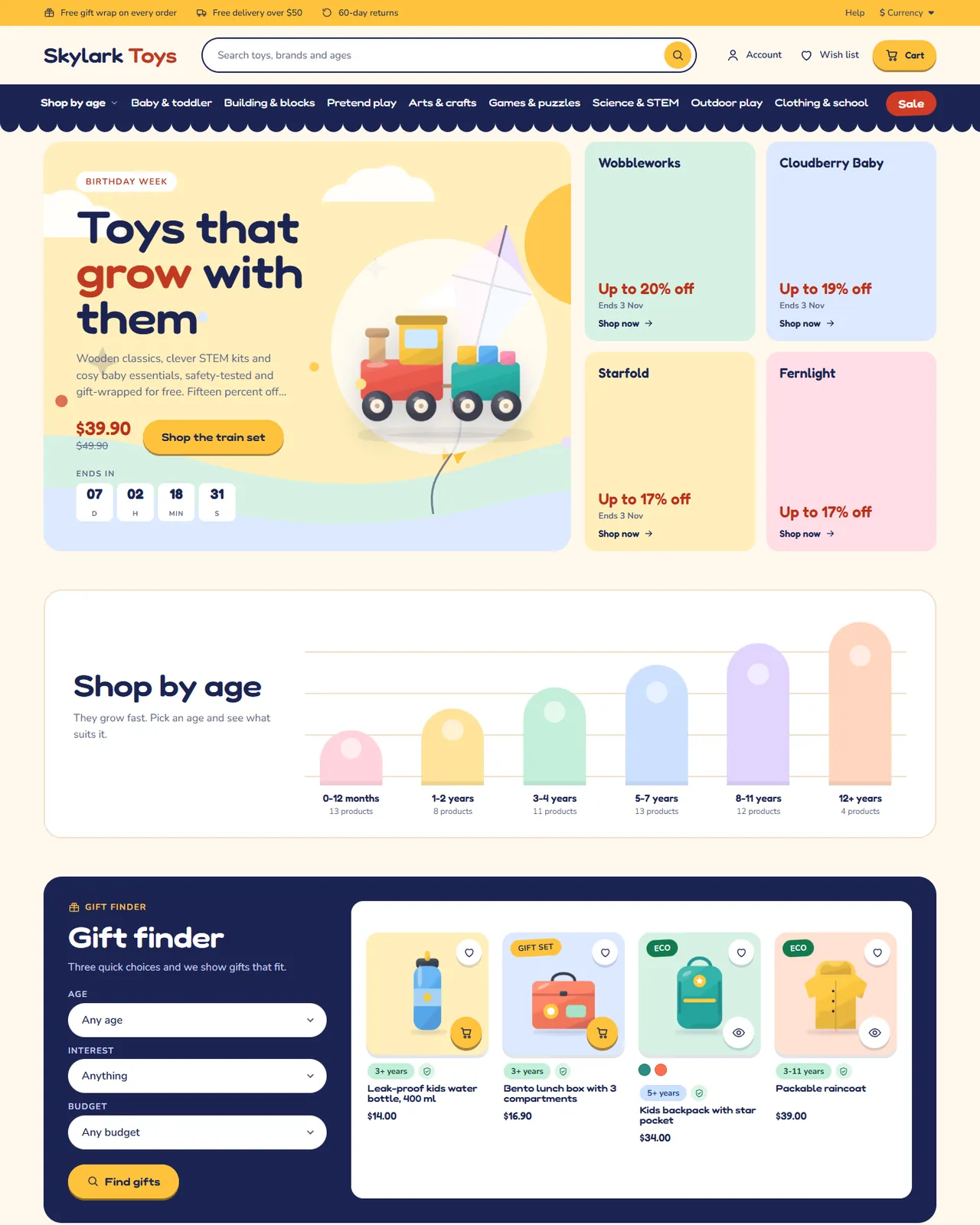
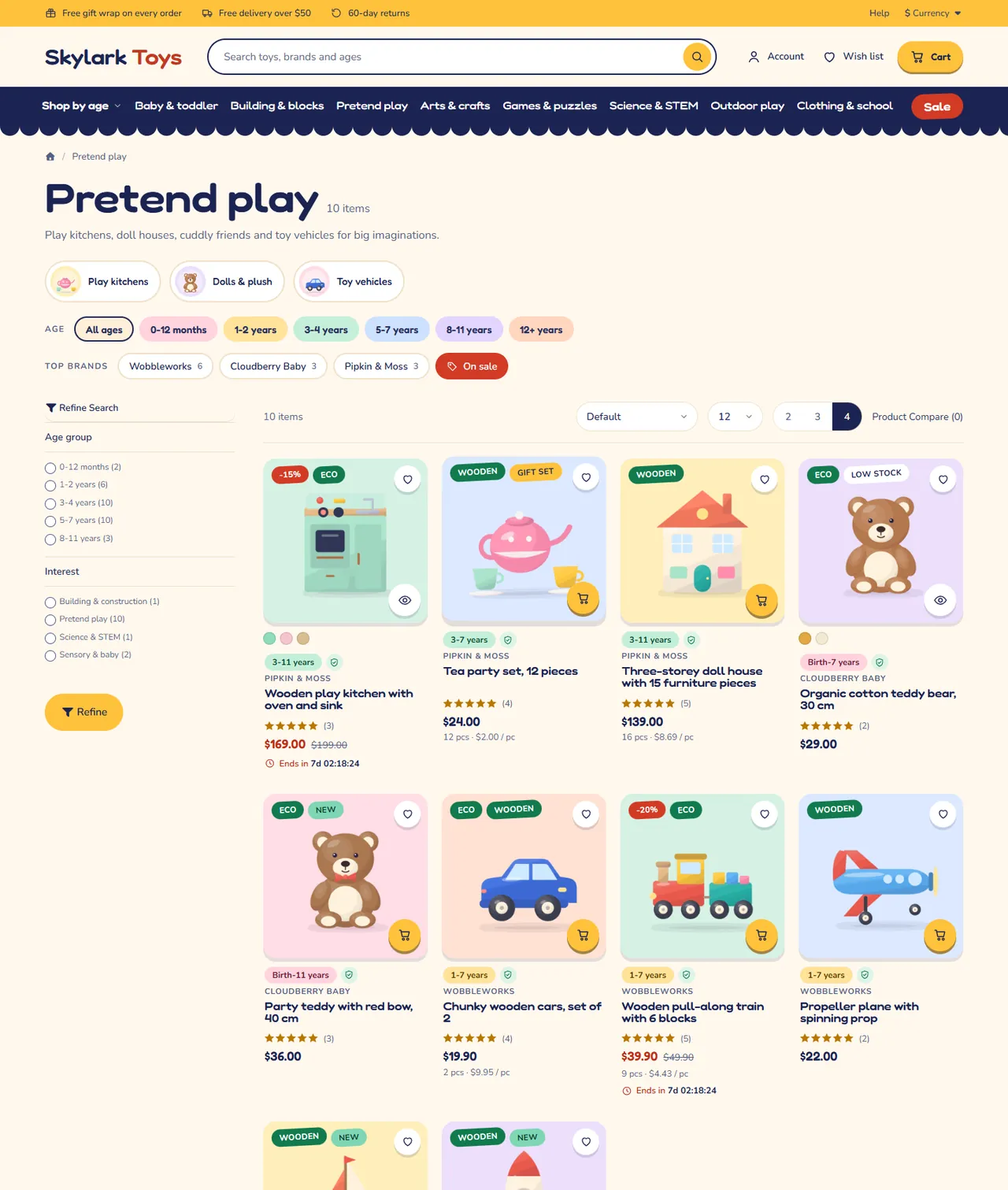
Toys, kids and baby store theme for OpenCart 4.x and 3.0.x: a Shop by age panel and growth chart, a gift finder by age, interest and budget, pastel toy-box product cards with age chips and safety shields, a small-parts warning, a gift wrap line and a Make it a gift set builder. Four presets, no core changes.
Toys, kids and baby store theme for OpenCart 4.x and 3.0.x: a Shop by age panel and growth chart, a gift finder by age, interest and budget, pastel toy-box product cards with age chips and safety shields, a small-parts warning, a gift wrap line and a Make it a gift set builder. Four presets, no core changes.
OpenCart 4.0.2.0 - 4.1.0.4, 3.0.x
Kite is a classic, conversion-first storefront theme for kids, toys and baby stores on OpenCart 4.x and 3.0.x by Kavio Labs. It is built for shops where parents and gift givers shop by age, ask "what suits a five-year-old?" and want to know a toy is safe before they buy.
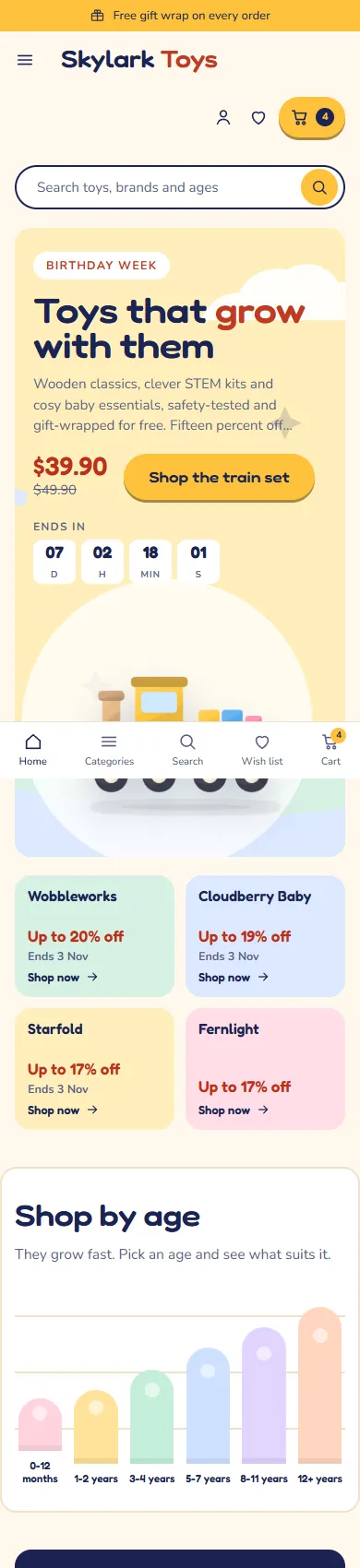
On a phone the menu becomes a slide-in drawer, the hero shows its text first and the home page stacks into one column.
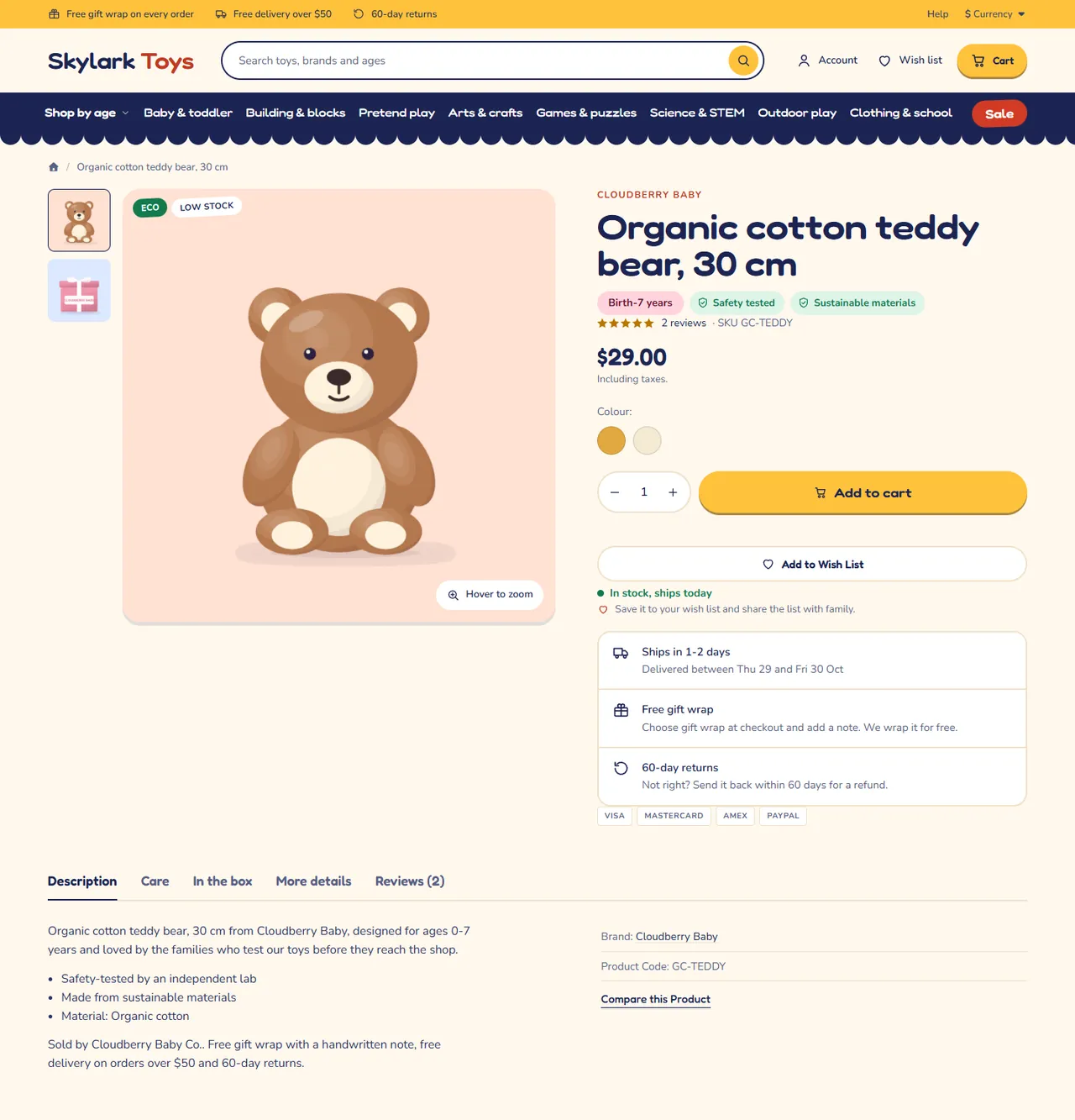
Other extensions keep working: Kite keeps the core ids of the product form and the mini cart. Extensions that add buttons to the product page appear under Add to cart.
| OpenCart 4.0.2.0 to 4.1.x | OpenCart 3.0.3.x to 3.0.5.x | |
|---|---|---|
| Package | kv_theme_kite.ocmod.zip | kv_theme_kite-oc3.ocmod.zip |
| Framework | Bootstrap 5 | Bootstrap 3 |
| Kite templates | header, footer, home, mini cart, product card, category, product page | header, footer, home, mini cart, product card, category, product page, search, specials, brand page |
One licence covers both packages. The first 14 days are a trial. Without a valid licence the store keeps working and the theme settings page shows a reminder.
kv_theme_kite.ocmod.zip. Click Install (the green + button) next to it.OpenCart 4 has no theme folders. Kite is a theme extension: it swaps in its own templates while it is the store's theme and switched on. Switch the store back to Default to return to the stock look at any time. The settings page tells you whether Kite is the active theme.
kv_theme_kite-oc3.ocmod.zip.On OpenCart 3 the image sizes and the number of products per page for the theme are on the Listing & images tab of the theme settings.
Kite reads your normal catalogue data. Before you start:
Eco or Gift set becomes a badge.Upload the new package the same way and refresh modifications on OpenCart 3. Your settings are kept in the store settings.
Switch the store theme back to Default, then uninstall Kite from Extensions > Extensions > Themes.
Open Extensions > Extensions > Themes > Kite > Edit. Every storefront text you can change is on one of these tabs. A section that is switched off or has an empty title is not shown.
*stars* to set it in the accent colour (Skylark *Toys*).Three top band messages, the label of the Shop by age menu item (empty hides the panel), the number of categories in the menu, the label of the Sale pill (links to the Specials page), an optional second link, the search placeholder, the wish list band, the footer text and help card, and the payment chips (plain text, no logos).
Campaign hero (label, title, text, button, product id, up to four brand ids), growth chart, gift finder, trust row, tabs, shop by interest tiles, sale band, pocket-money row, gift set builder, brands row, play ideas and reviews.
42, 57. Empty fields use an automatic source: the best discounted product for the hero, the brands with the biggest running discounts for the brand tiles, products on special for the sale band, orders then views for best sellers, the newest products under the maximum price for the pocket-money row.20 or 20_27), an information page as i:<id> or a URL.15|30|50|100, in the store currency). The finder works on a pool of about 24 bestsellers, new arrivals and offers that are in stock.;. Building is a search for the word, Building|20 or Building|i:5 or Building|https://... link to a category, page or URL. The icon follows the words (build, pretend, art, science, puzzle, outdoor, music, baby).0-12 months, 3-7 years or 5+ years for the coloured age chip. The colour follows the lowest age.Safety tested, Non-toxic finishes, BPA free. Cards show a shield, the product page shows each item as a chip. Warning attribute: a notice such as Small parts: not suitable for children under 3 years. shown in a box under the title. Care and In the box attributes become their own tabs.100 pcs or 2 pieces produces the price per piece ("$0.45 / pc") on cards and the product page.Eco, Gift set, Wooden; Eco, wooden and organic show in green), New tag days, Low stock tag, the in-stock line, gift wrap and returns lines, the wish list note, and Make it a gift set (frequently bought together).Products per page and the image sizes. On OpenCart 4 these are in System > Settings > Image. Kite shows products on square wells: 520 x 520 on cards and 800 x 800 on the product page work well.
Paste the licence key from your Kavio Labs account. Without a key the theme keeps working and the page shows a notice.
No. On OpenCart 4 it is a theme extension that uses events; on OpenCart 3 it is a normal theme directory plus events.
It needs a filter group with the name on the Home page tab (default "Age group") that contains filters, and a label on the Header & footer tab. The growth chart and the age chips on category pages use the same group.
The chip comes from the attribute named in Age attribute (default "Age"). Products without it show no chip. The filters of the age group do not need this attribute; they power the menu, the chart and the gift finder.
It narrows a pool of about 24 products: bestsellers, new arrivals and offers that are in stock. A product needs the matching age or interest filter to appear when that choice is made, and a price at or under the chosen budget.
It reads the steps in Gift finder: budget steps (default 15|30|50|100, in the store currency). An empty setting hides it.
Swatches come from an option named in Colour option names (default Colour, Color), or from sibling products with the same Range attribute. Products without them show no swatches.
From the attribute named in Warning attribute (default "Warning"). Only products that have it show the notice.
A brand shows "Up to N% off" while one of its products has a running special price. Otherwise the tile shows the product count.
The countdown needs a special price with an end date less than 60 days away.
The price (with tax as your store shows it) divided by the number in the Pieces attribute ("100 pcs"). It is a display line only.
Yes. Settings are stored per store.
The storefront and the admin panel keep working. The theme settings page shows a reminder.
Only the licence check from the admin settings page. Fonts are served from your store.
Set the store theme to Default.
More for OpenCart
Sell products by weight, length, area or volume with decimal quantities, unit prices, step/min/max and a live price on the product page.
Shoppers propose a price; the store accepts, declines or counters, and the agreed price is enforced in the cart once.
Buy X get Y, tiered cart discounts, free gifts and scheduled rules on top of OpenCart specials and coupons.

